BAM run report
1 fail1 pass
b-deliberately-broken
23.47 sphase 5: element not found: done (name 'Done and dusted')
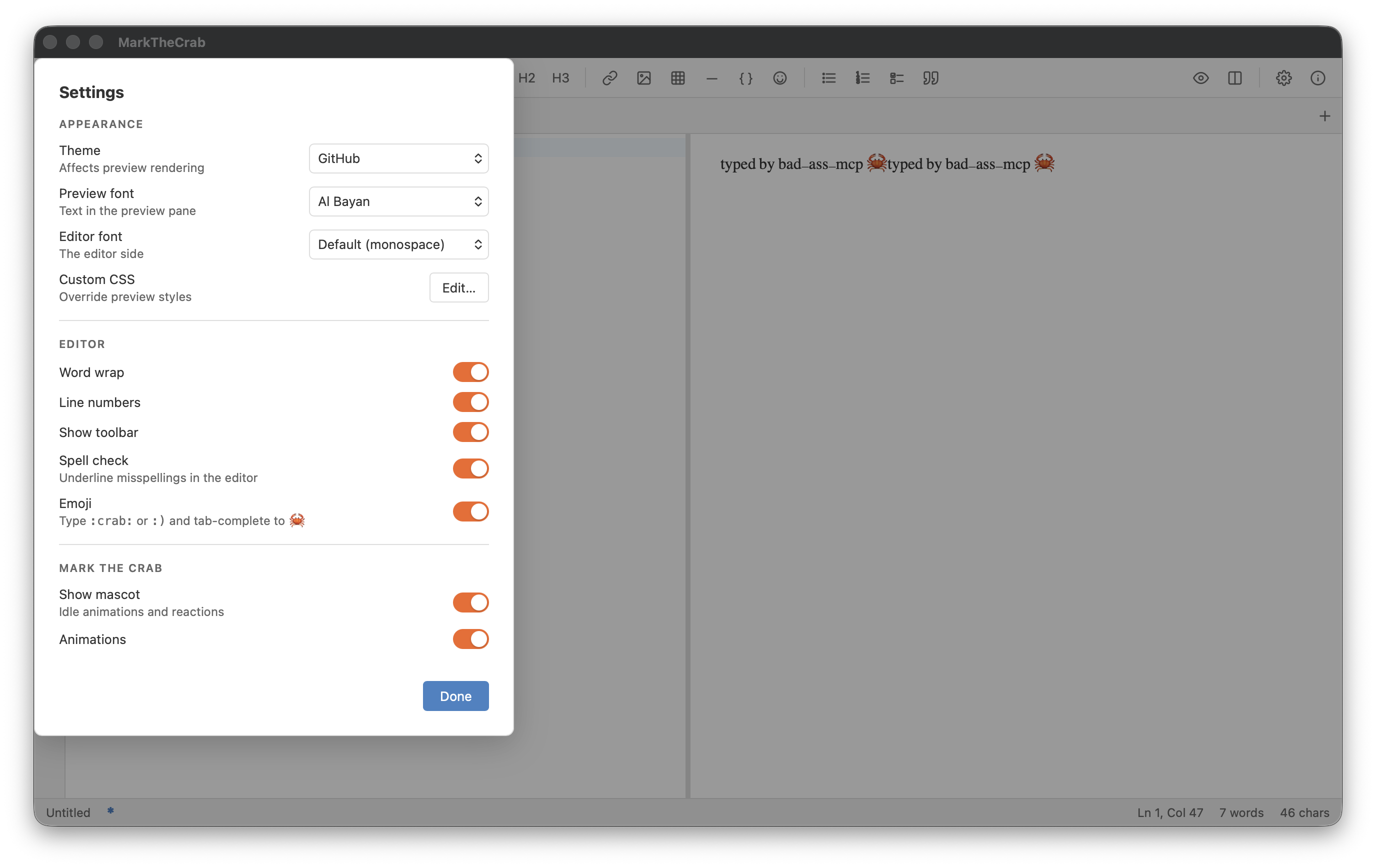
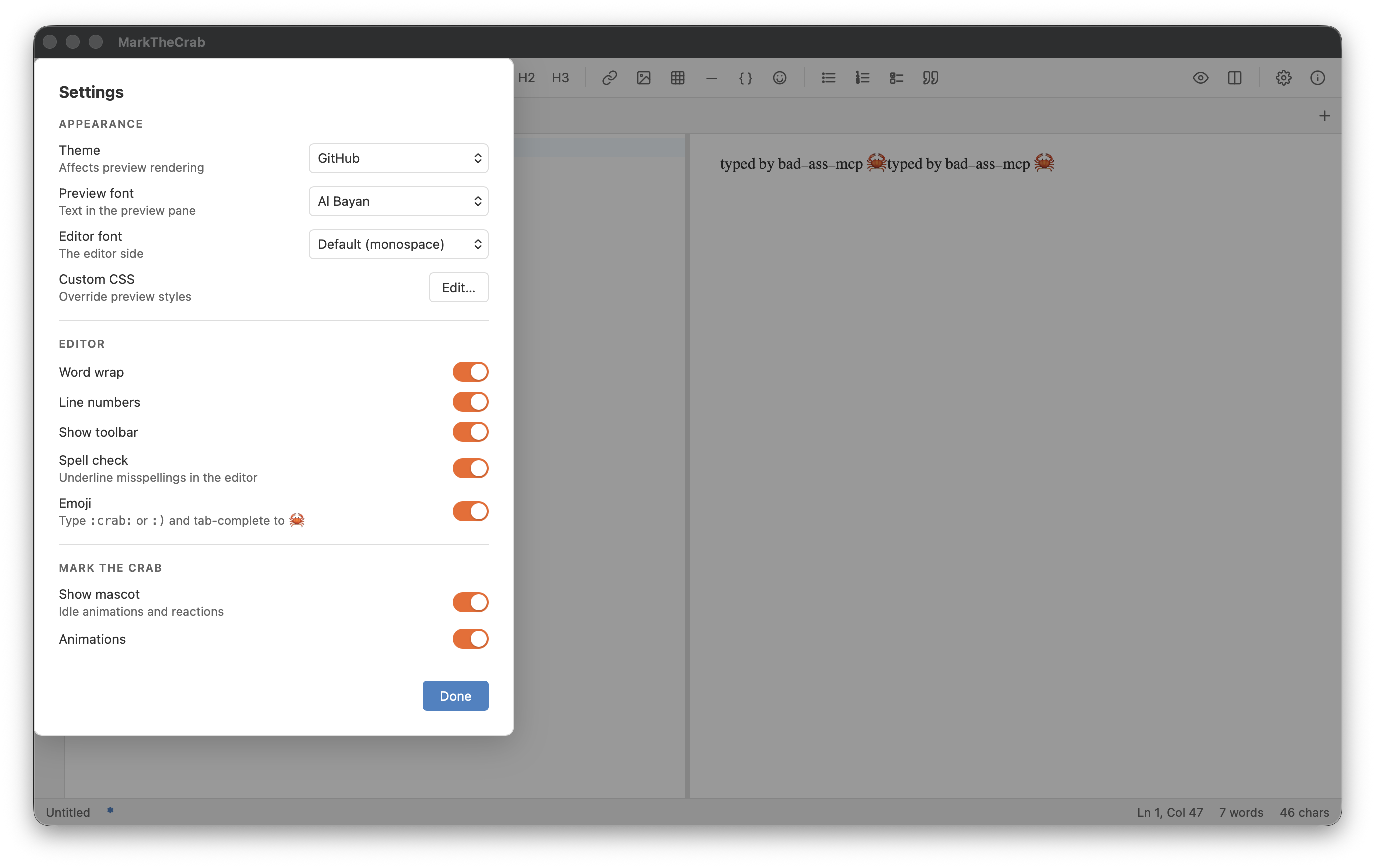
Tests: Settings > Preview font > Choose a font…: search, then Escape from inside the search box closes only the chooser and restores the dropdown (5914c34).
✓1Click “Settings”
- Click “Settings”
- “Preview font” appears
✓2Read “Preview font” (saved as before)
- Read “Preview font” (saved as before)
- Click “Preview font”
- “Choose a font…” appears
✓3Click “Choose a font…”
- Click “Choose a font…”
- “Search fonts” appears
✓4Type "Geo" into “Search fonts”
- Type "Geo" into “Search fonts”
- Pause 0.3 s
- Press Escape
- Pause 0.5 s
✗5Click “Done and dusted”
- Couldn’t find done (name 'Done and dusted')
- “Preview font” still reads the saved before
- Click “Done and dusted”
- Pause 0.3 s
Final checks
- “Search fonts” is gone
- “Done” is gone
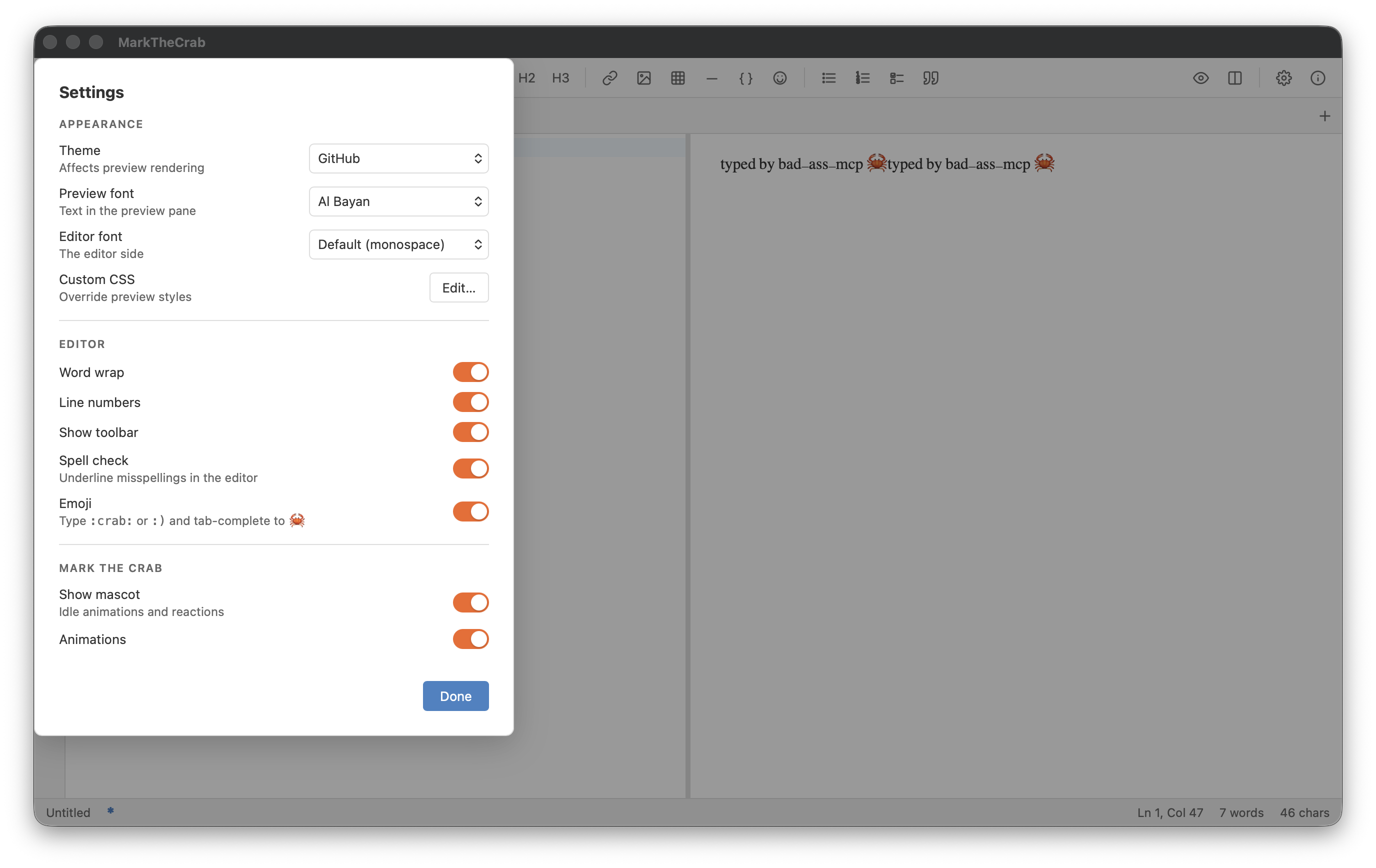 Click “Settings”
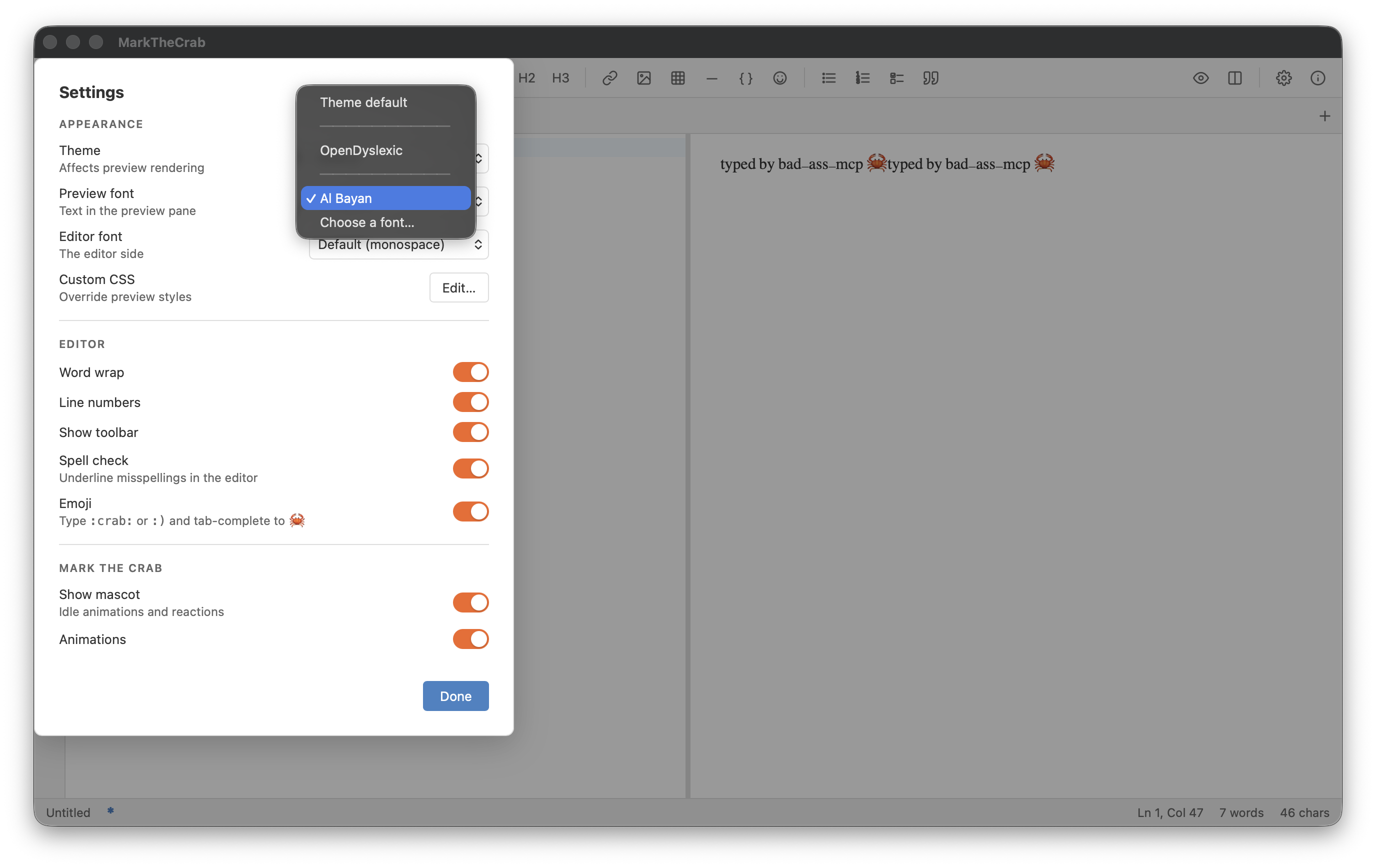 Read “Preview font” (saved as before)
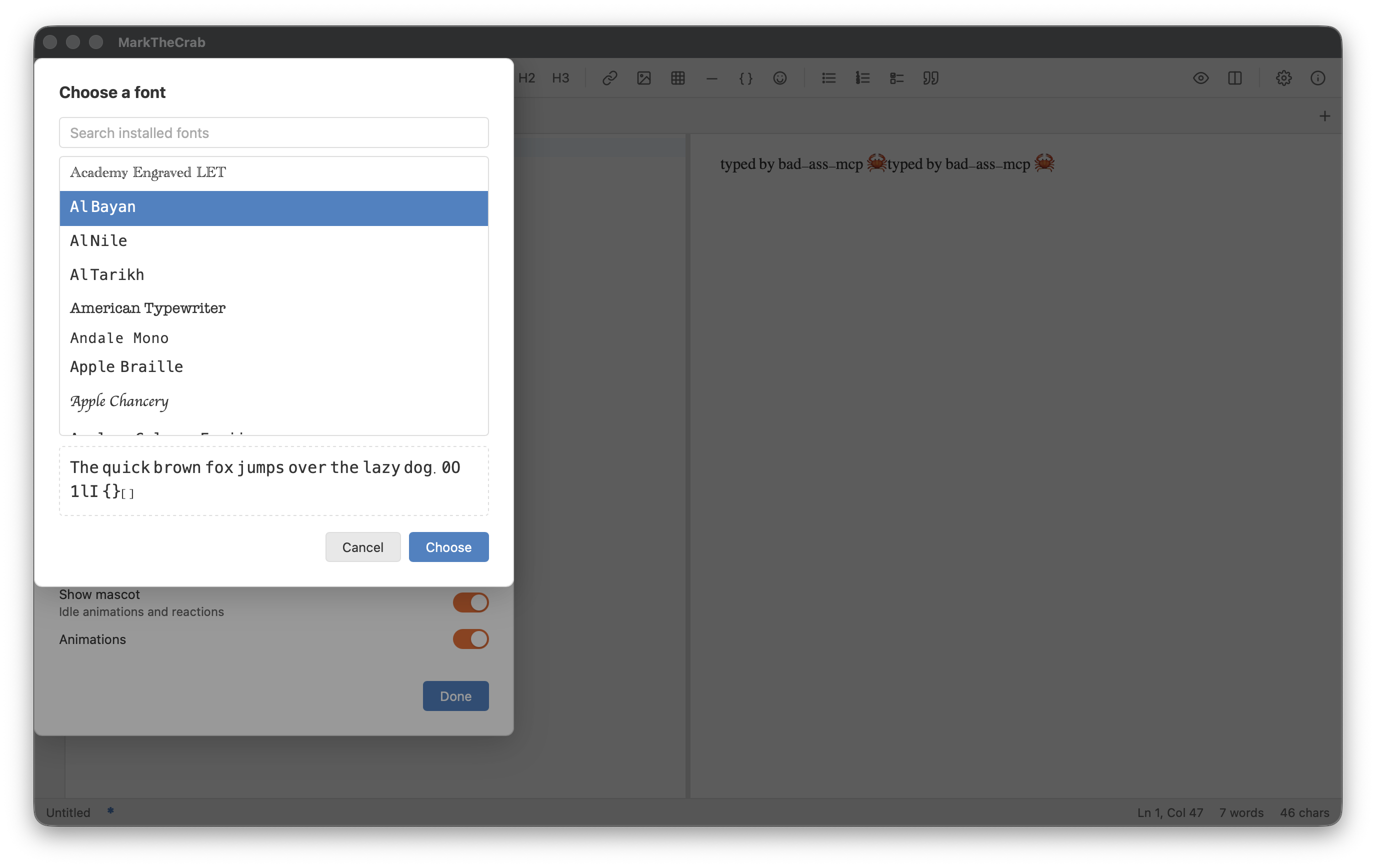 Click “Choose a font…”
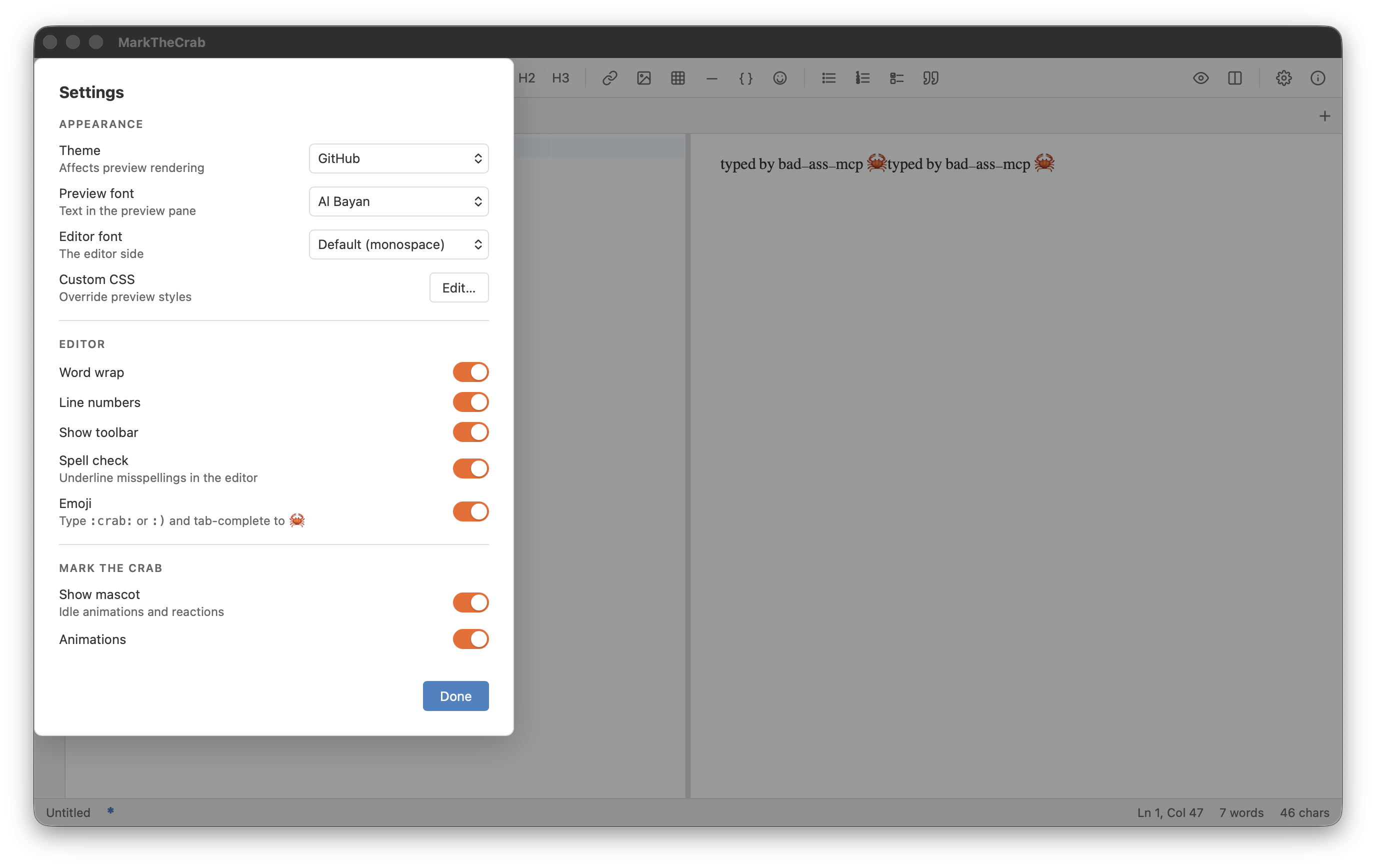 Type "Geo" into “Search fonts”
font-picker-escape
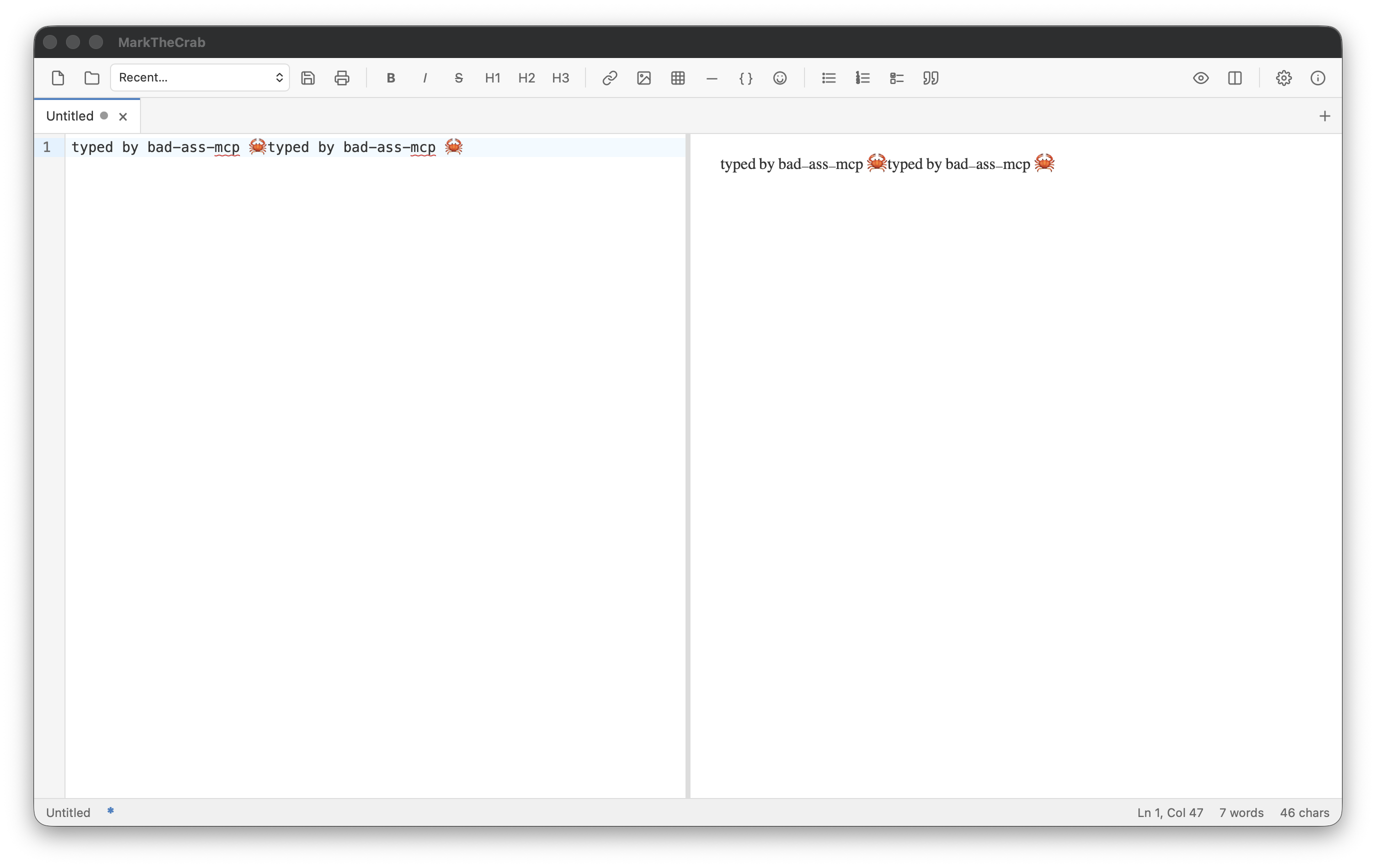
27.03 sTests: Settings > Preview font > Choose a font…: search, then Escape from inside the search box closes only the chooser and restores the dropdown (5914c34).
✓1Click “Settings”
- Click “Settings”
- “Preview font” appears
✓2Read “Preview font” (saved as before)
- Read “Preview font” (saved as before)
- Click “Preview font”
- “Choose a font…” appears
✓3Click “Choose a font…”
- Click “Choose a font…”
- “Search fonts” appears
✓4Type "Geo" into “Search fonts”
- Type "Geo" into “Search fonts”
- Pause 0.3 s
- Press Escape
- Pause 0.5 s
✓5Click “Done”
- “Preview font” still reads the saved before
- Click “Done”
- Pause 0.3 s
Final checks
- “Search fonts” is gone
- “Done” is gone
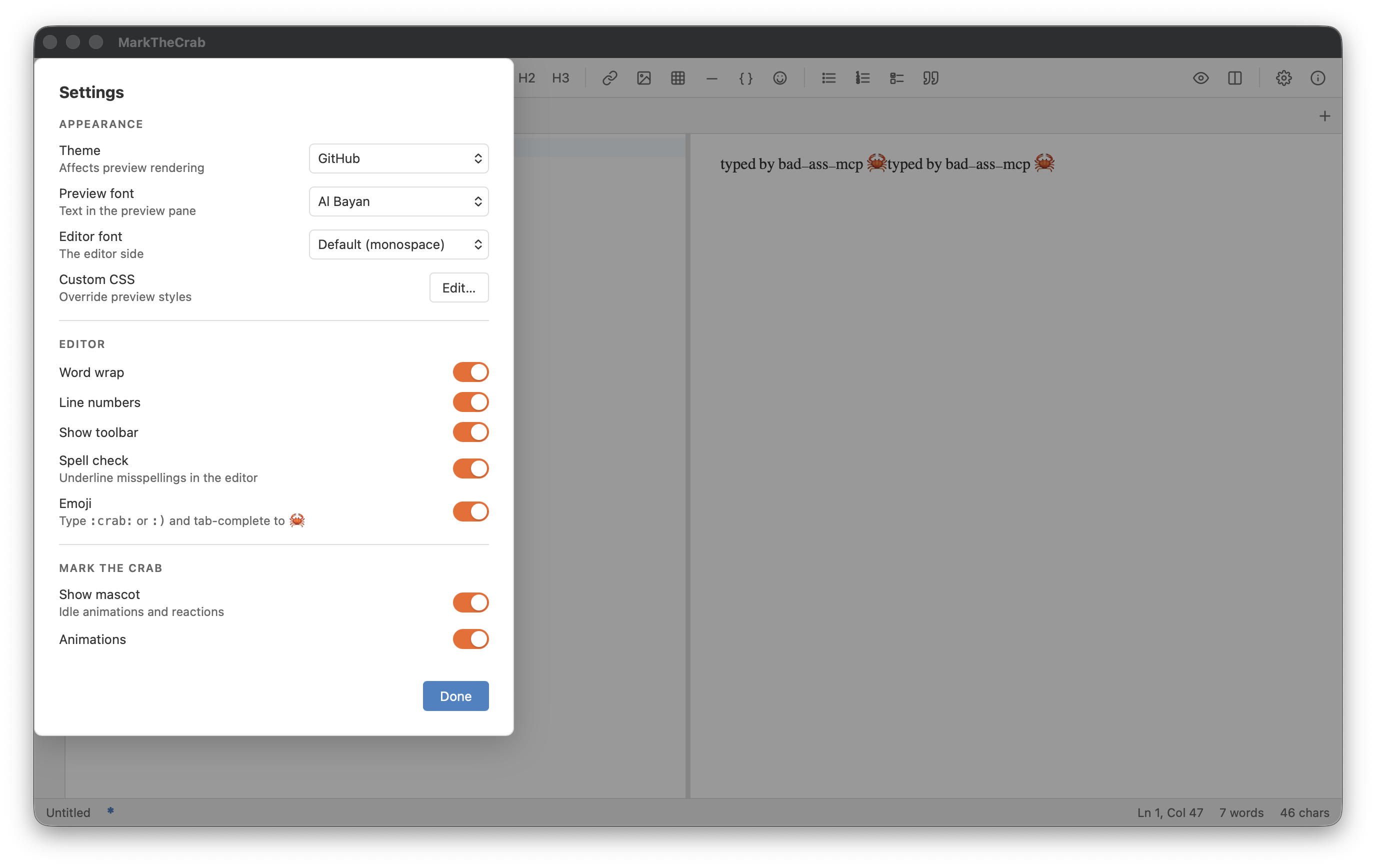 Click “Settings”
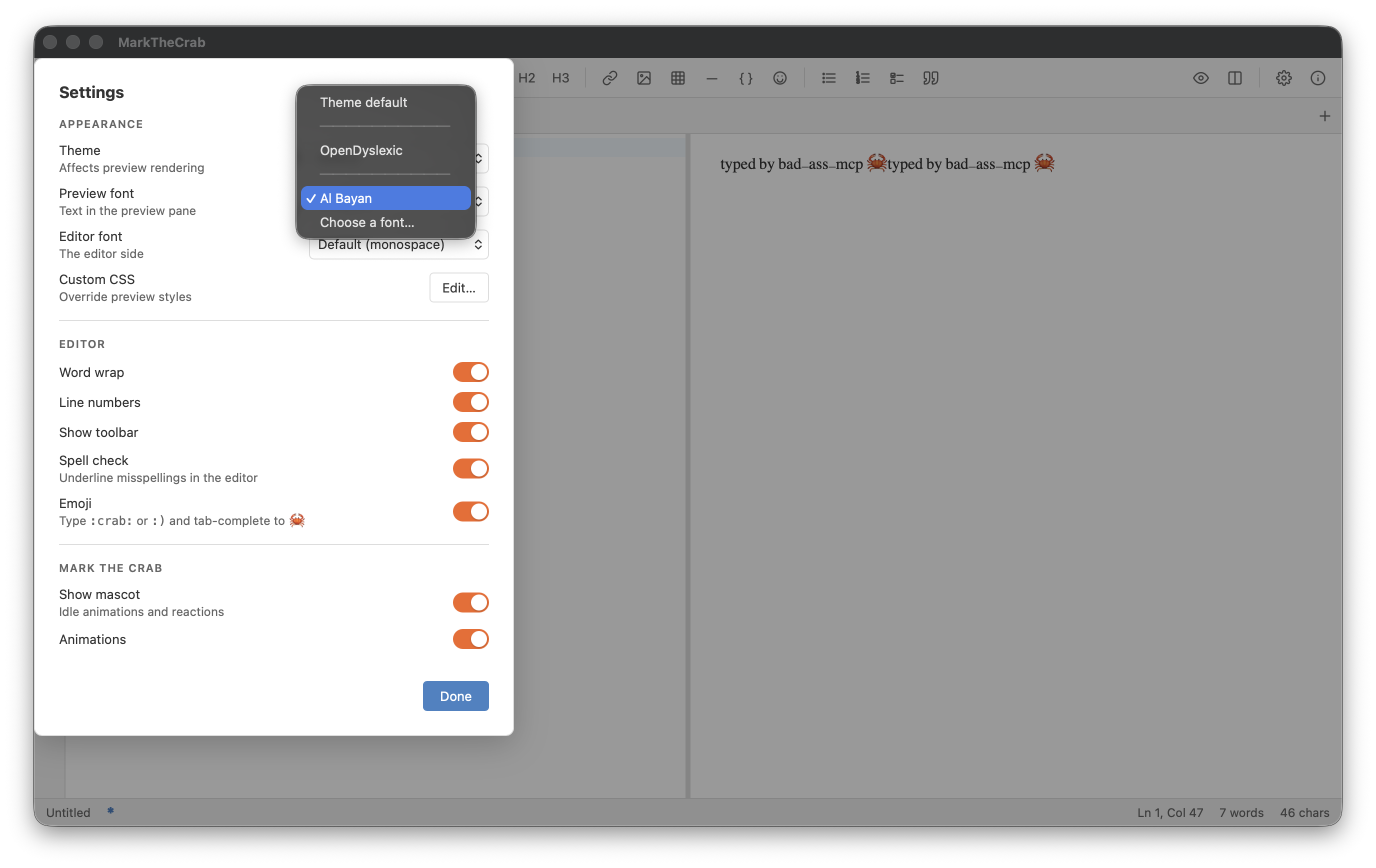 Read “Preview font” (saved as before)
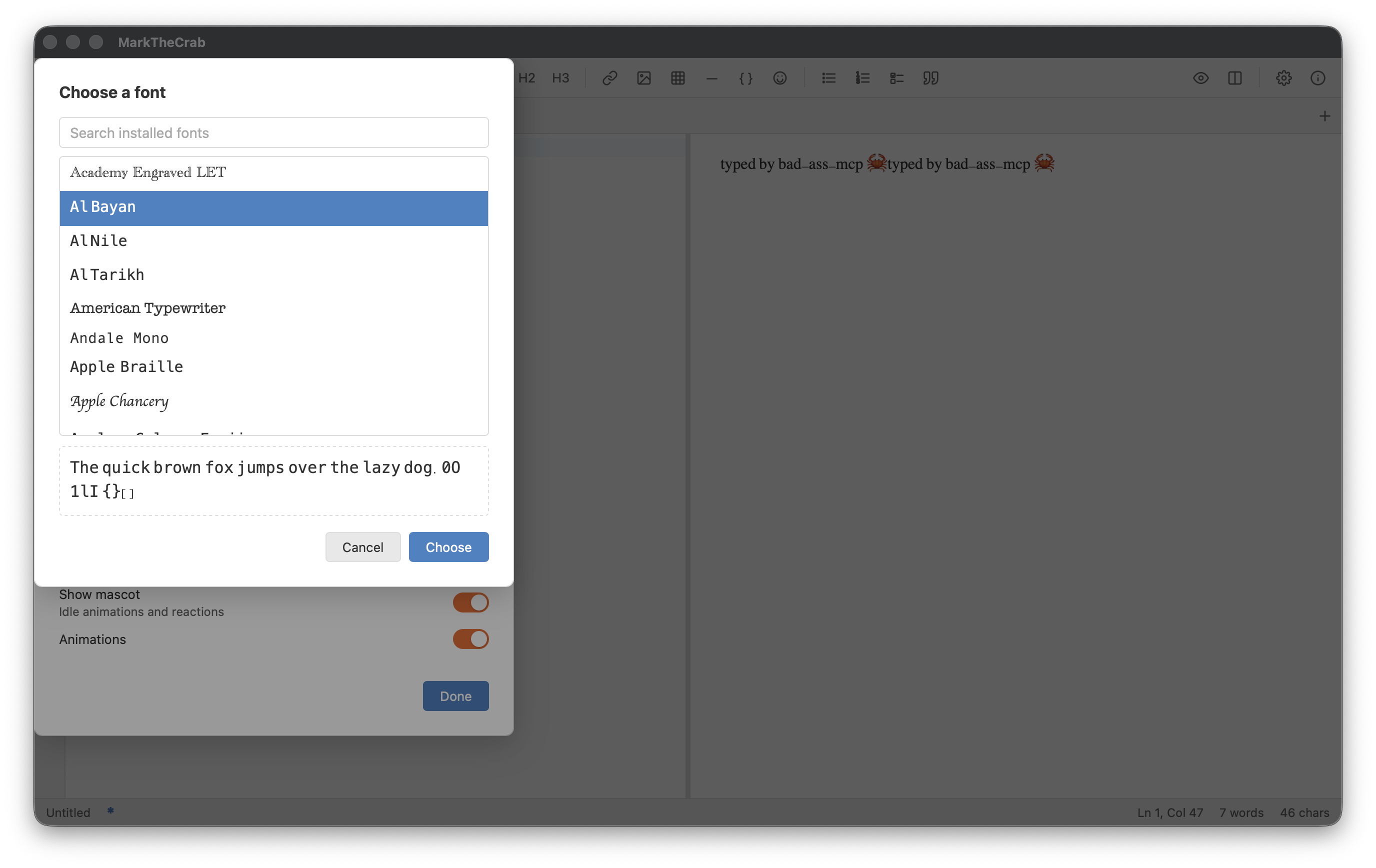 Click “Choose a font…”
 Type "Geo" into “Search fonts”
 Click “Done”